For iPhone
iOS 18 or later

 MizuCue
See your phone, Wi-Fi router and internet together to help investigate the cause of an internet connection issue.
Keep MizuCue open while you troubleshoot.
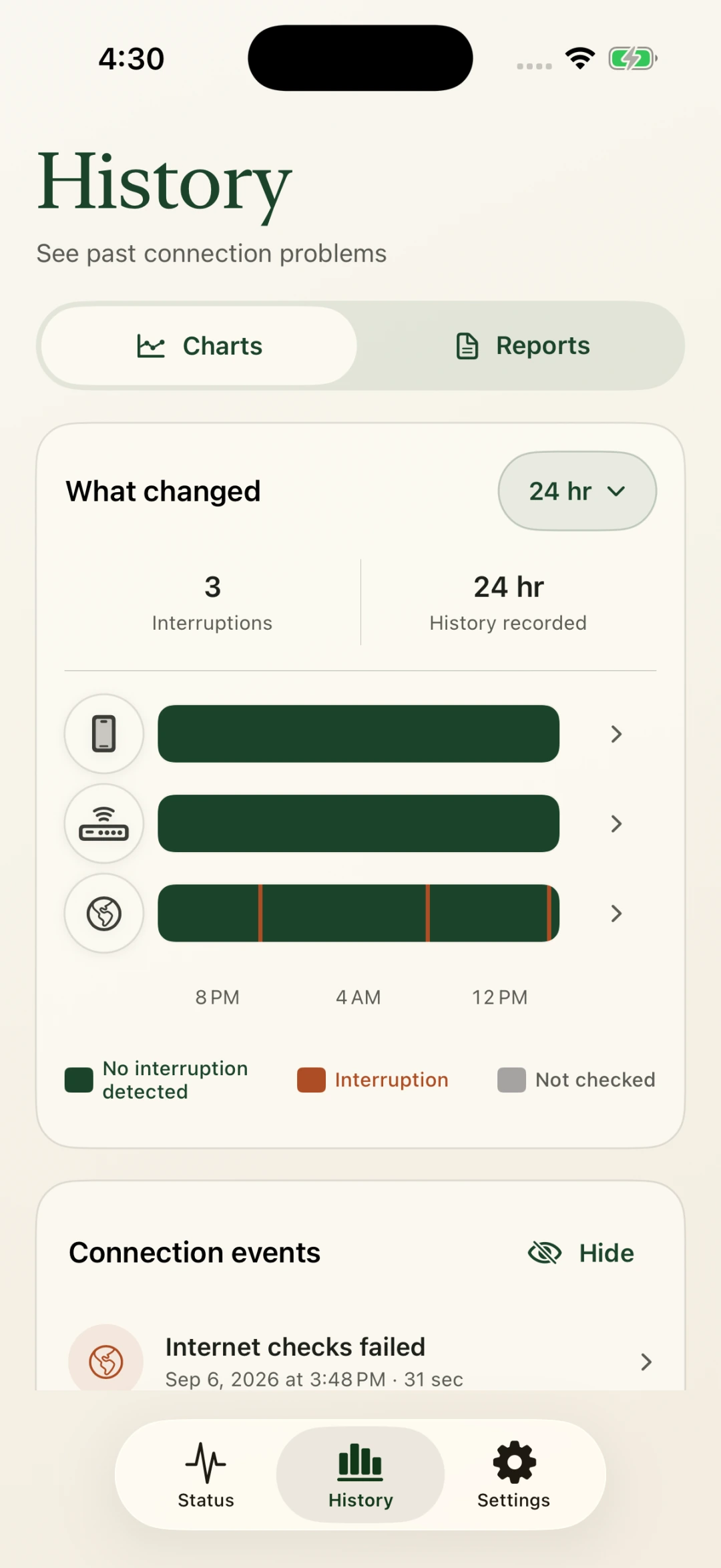
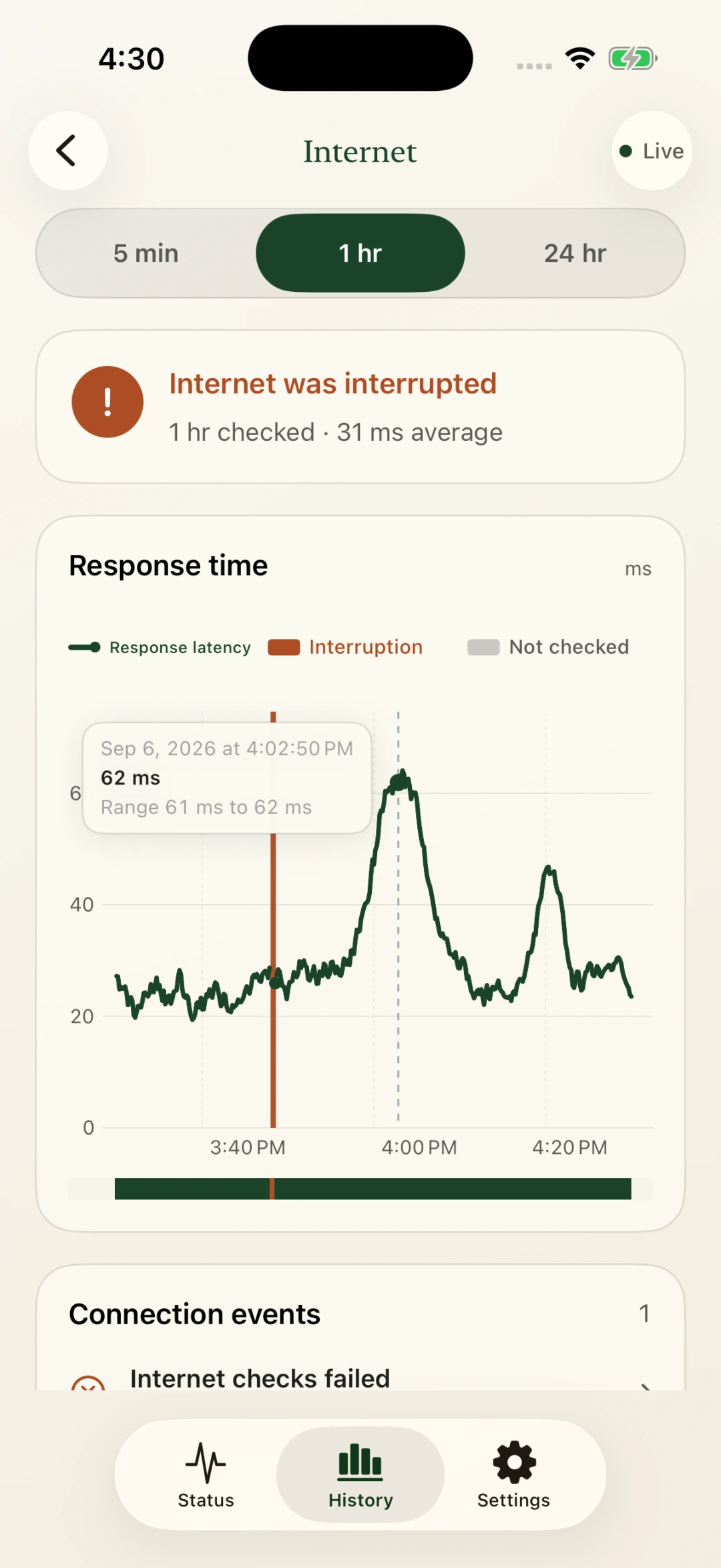
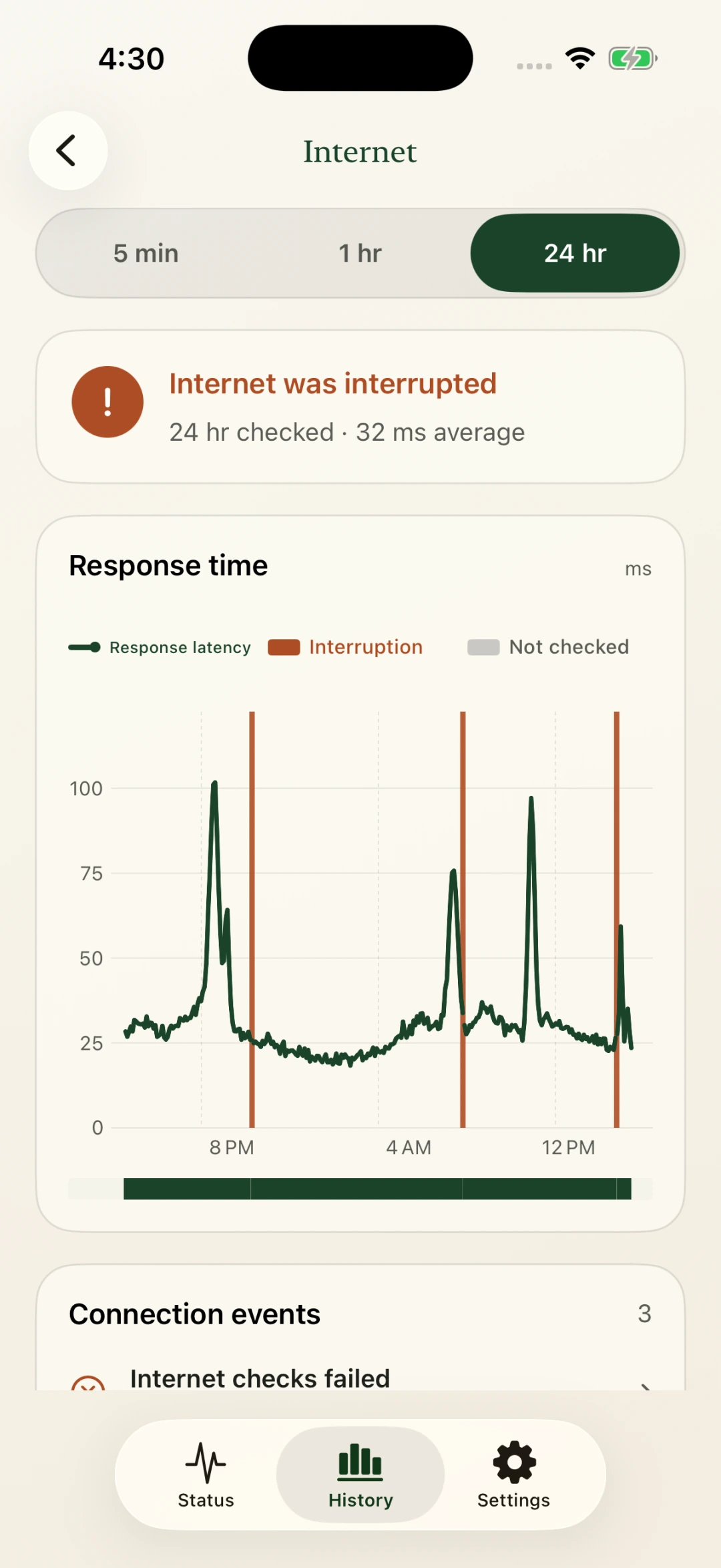
In the app, press and drag a chart to inspect a recorded moment.
Check when your phone changed connections, and when it returned to Wi-Fi.
Sample history: switched to cellular at 3:49 PM.
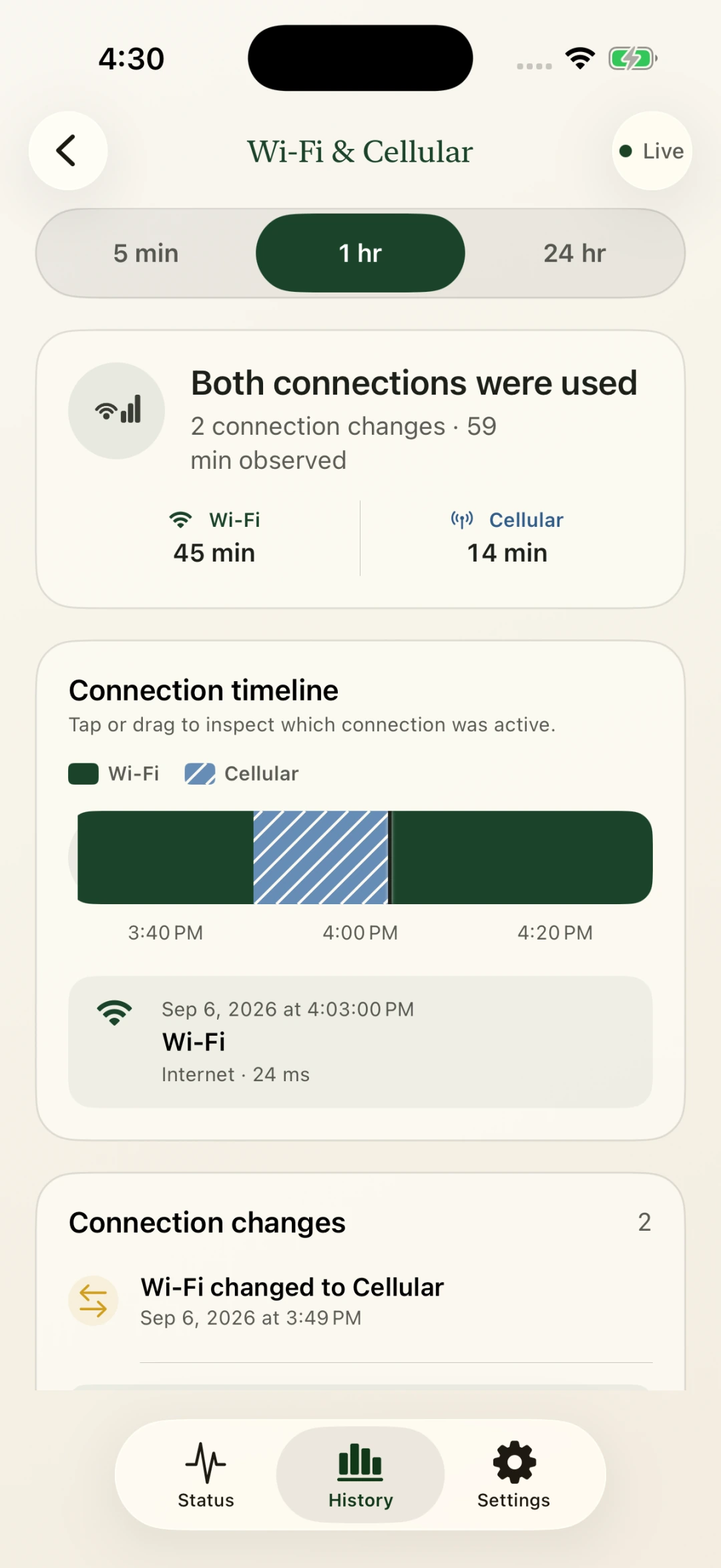
Move farther from your router, then come back. See the signal changes in your history.
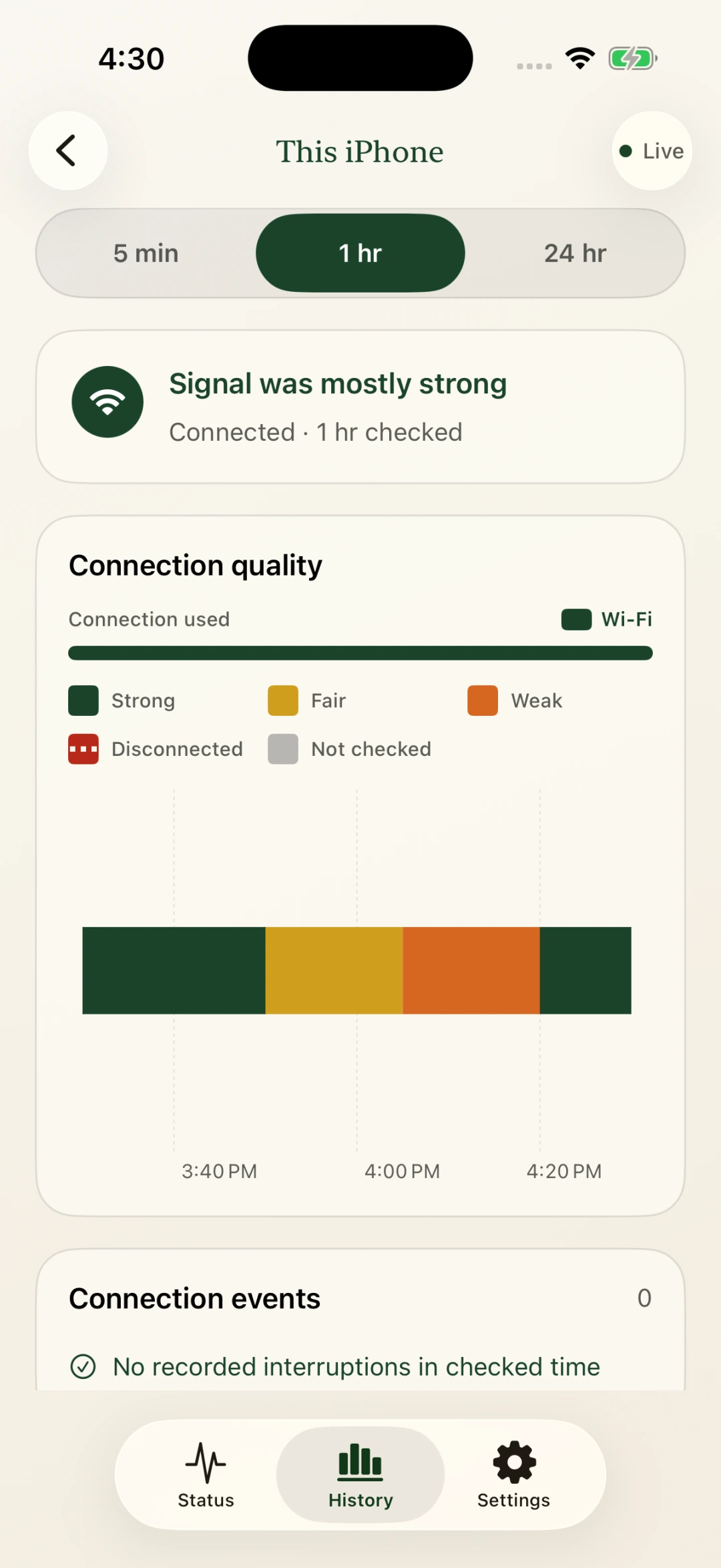
Choose a time range to see when connection checks changed.
Look back up to a year.
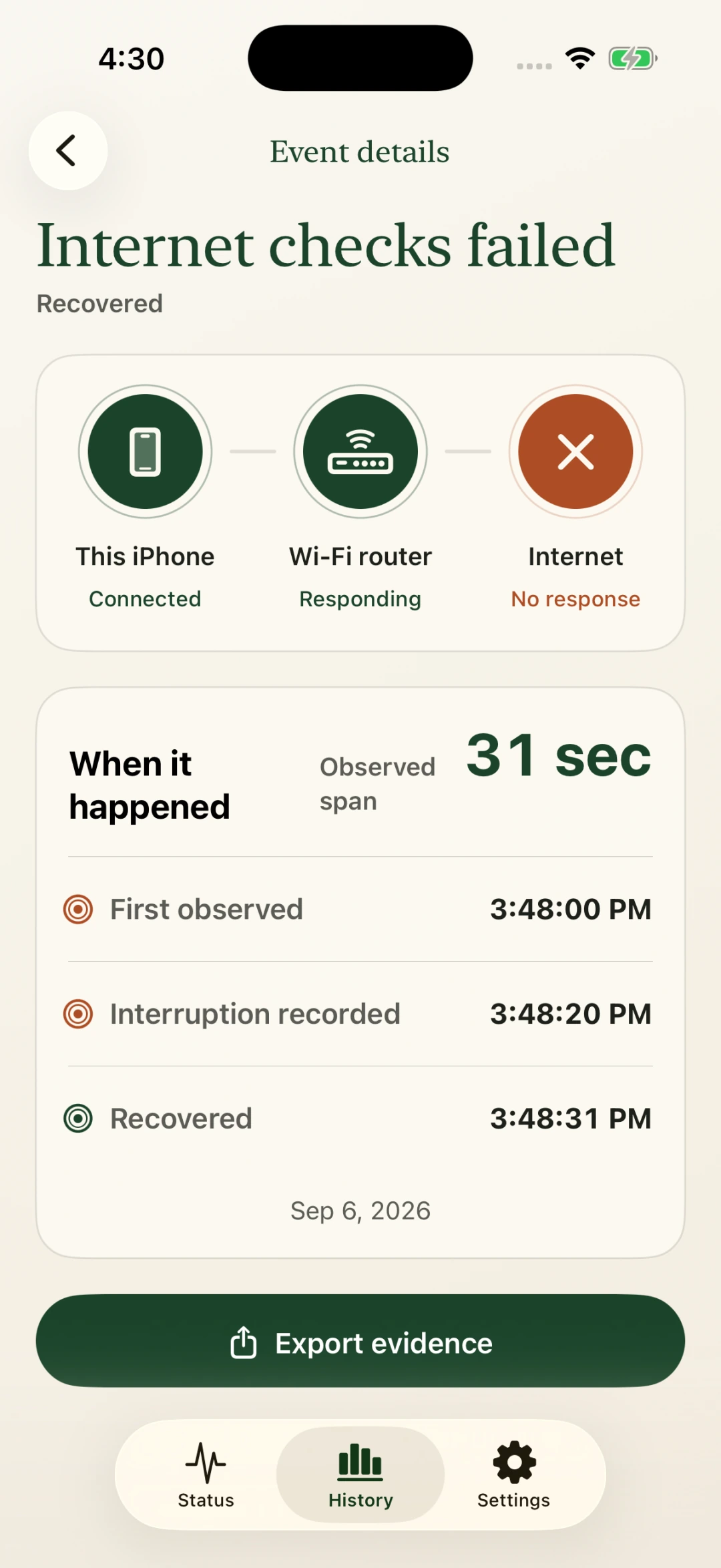
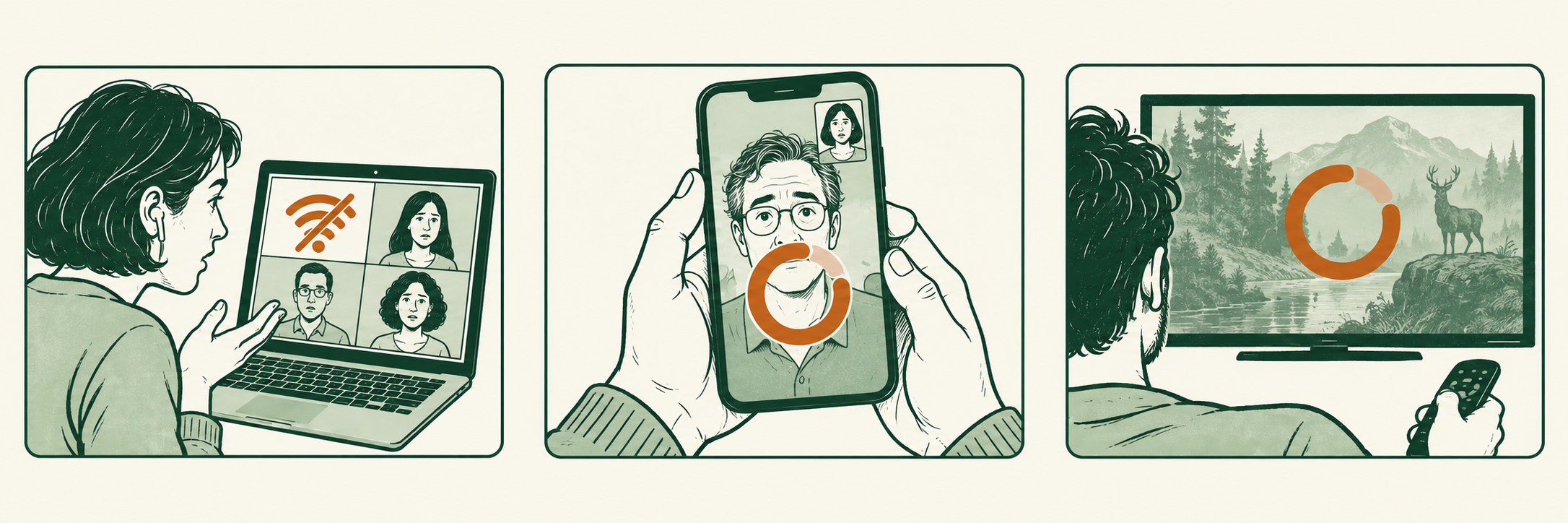
Make sense of your internet connection problems.
iOS 18 or later
macOS
Coming soon